Last minute: posts for tonight and the weekend
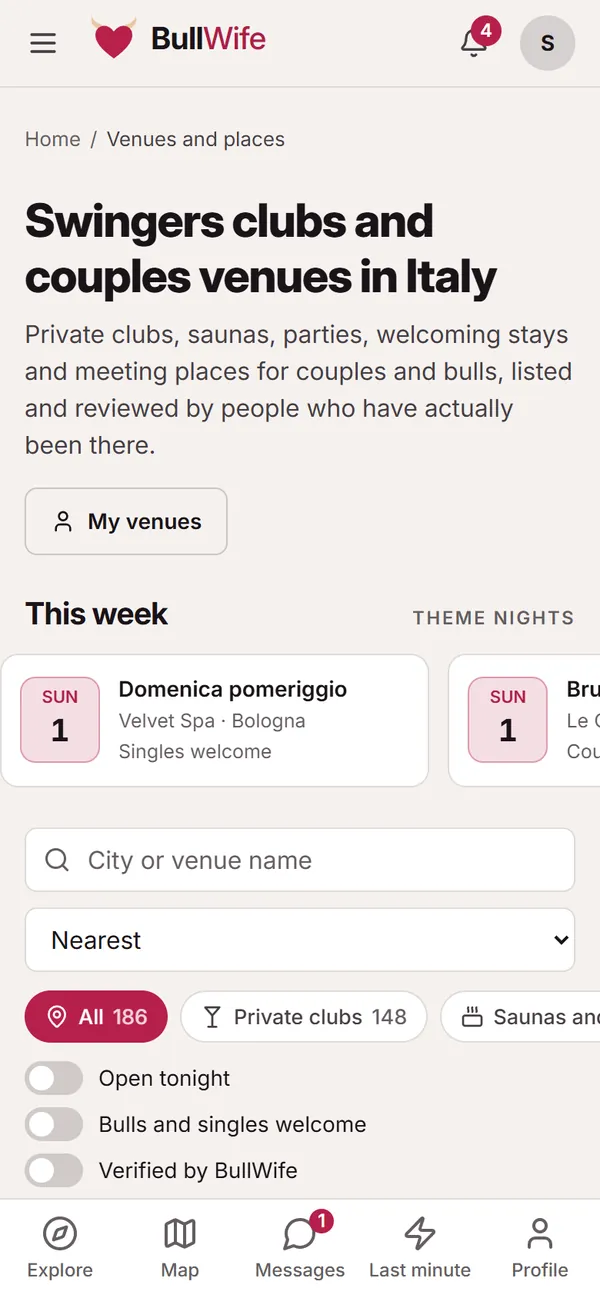
A free evening out of the blue? With Last minute you publish a short post that stays online only until it expires, and you choose who to reply to.
Updated on November 1, 2026 3 min read
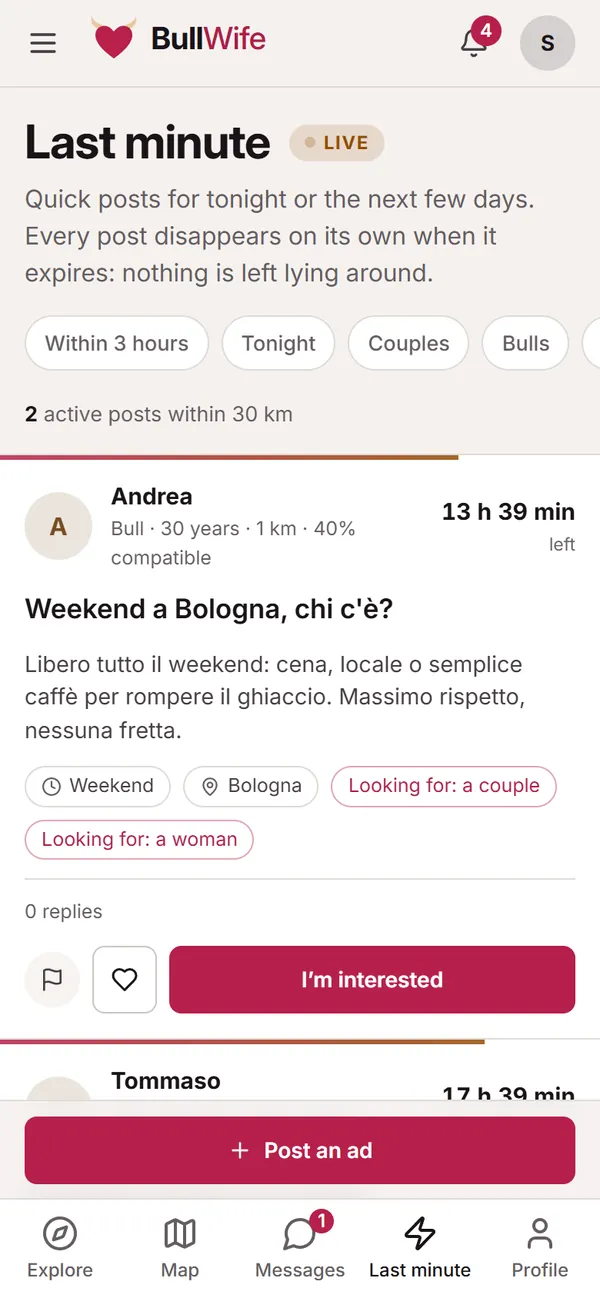
Last minute is the board for quick posts: drinks tonight, a weekend in town, an evening at a venue. Every post disappears by itself when it expires: nothing is left lying around.
The board
At the top, quick filters narrow down the posts: Within 3 hours, Tonight, who is posting (Couples, Bulls, Women) and who they're looking for. By default you see posts within 30 km; you can widen the distance in the filters.
Each post shows who published it (profile type, age, distance and compatibility), the time left before it expires, the title, the details, when, the area and who they're looking for.
If a post interests you, tap I’m interested: the author gets a notification and decides whether to reply. You can save it for later, or report it with the flag.
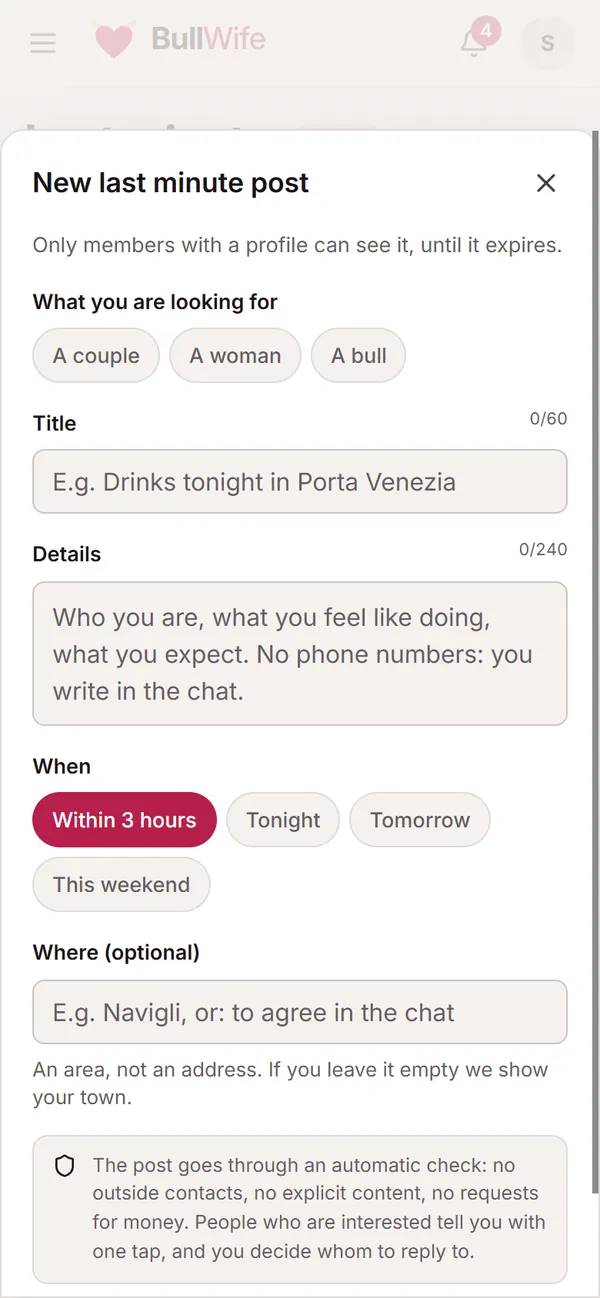
Publishing a post
Tap Post an ad and fill in the form:
- What you are looking for: a couple, a woman, a bull (you can pick more than one).
- Title, 8 to 60 characters. For example: "Drinks tonight in Porta Venezia".
- Details, 20 to 240 characters: who you are, what you'd like to do, what you expect.
- When: within 3 hours, tonight, tomorrow or this weekend. This also sets the expiry.
- Where, optional: an area, not an address. If you leave it empty, we show your town.
Only members with a profile can see the post.
The rules
Before going online, every post goes through an automatic check: no phone numbers or outside contacts, no explicit content, no requests for money. You only write to each other in the chat.
- You can have one active post at a time: to publish another, remove the current one or wait for it to expire.
- At most three posts a day.
- If the evening runs late, +1 hour extends the expiry, up to three times.
Replying to people who are interested
In the Your post box you can see how long is left before it expires and who has tapped I’m interested. For each of them you can open the profile and, if you like what you see, tap Reply: the chat opens, and from there you carry on as in any conversation, including with a meeting proposal.
Remove takes the post off the board immediately.
Before you meet
Even when you're in a hurry, the usual rules apply:
- first meeting in a public place;
- a two-minute video call avoids nasty surprises;
- tell someone you trust where you're going and when you expect to be back.
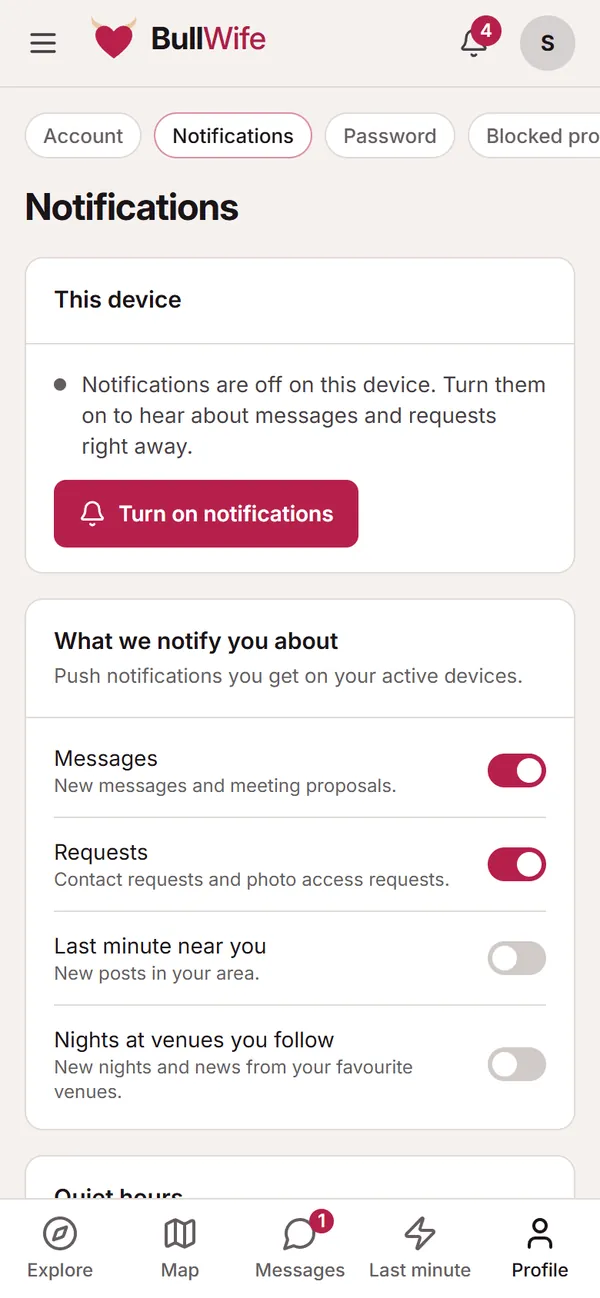
Want to know straight away when there's a post near you? Turn on "Last minute near you" in notifications.
Screenshots show sample profiles, not real members.