Profile photos: public, private and faces hidden
Photos are the most viewed part of a profile, and also the most sensitive. Here is how to upload them and decide who sees what, without giving up your discretion.
Updated on November 1, 2026 3 min read
On BullWife you decide who sees your photos. Public photos are only visible to signed-in members, never to random visitors. Private photos stay hidden. You manage everything from Profile → Edit → Photos.
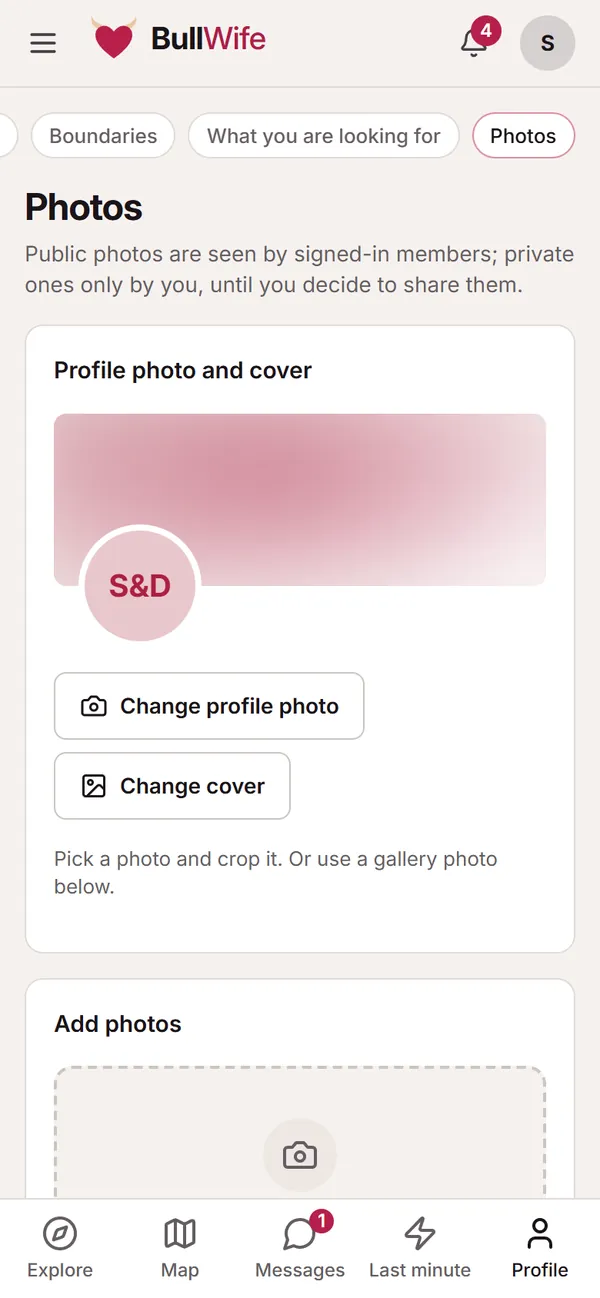
Profile photo and cover
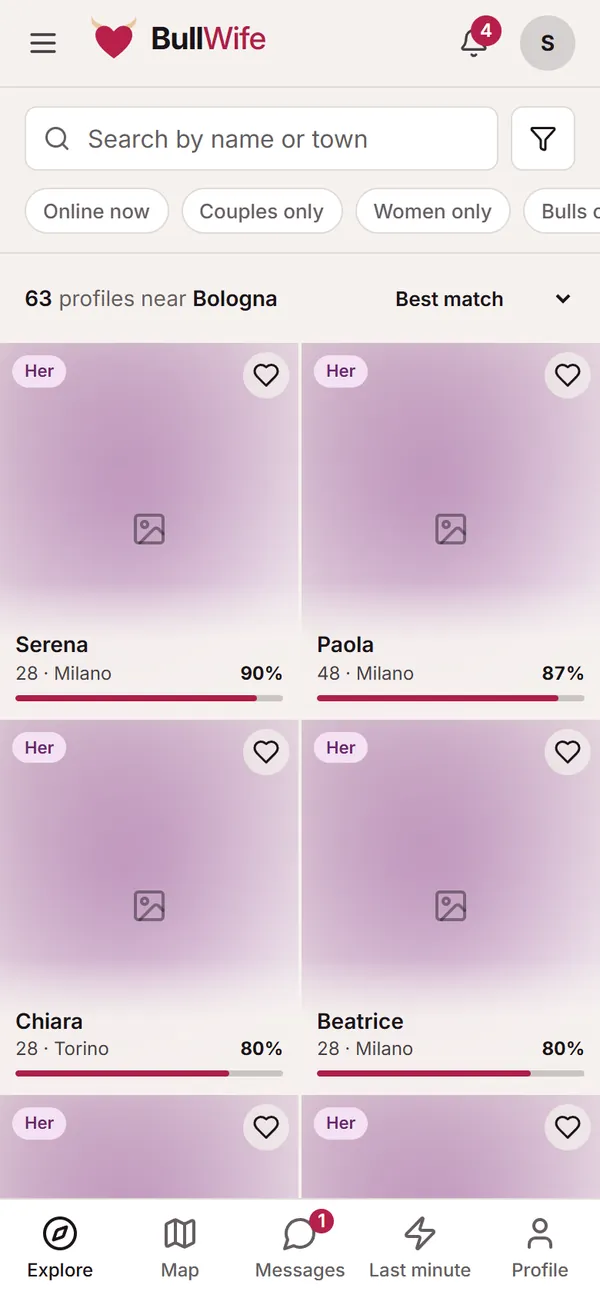
At the top you will find your profile photo, the circle that appears next to your name in Explore, in messages and in comments, and your cover, the wide image at the top of your profile.
Tap Change profile photo or Change cover: you can upload a new photo and crop it, or pick one of the photos already in your gallery. You crop with your fingers on a phone or with the mouse on a computer.
Uploading photos
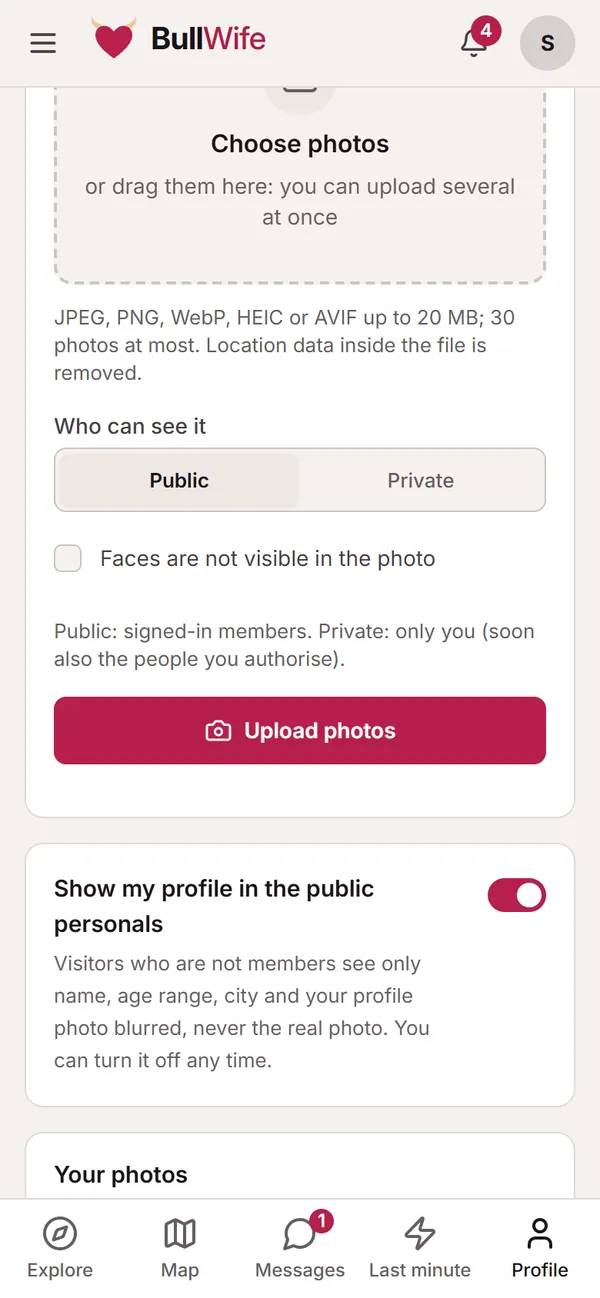
In the Add photos section tap Choose photos, or drag them onto the page from your computer. You can upload several at once.
- Accepted formats: JPEG, PNG, WebP, HEIC (iPhone photos) and AVIF, up to 20 MB each.
- A maximum of 30 photos per profile.
- Location data inside the file is removed on upload: nobody can work out where you took the photo.
Once uploaded, the photos are processed in a few seconds and appear in the Your photos list.
Public or private
Before uploading, choose Who can see it:
- Public: visible to anyone signed in to BullWife. It appears on your profile and counts for the "With public photos" filter in Explore.
- Private: for now only you can see it. It is the right place for your most personal photos.
You can change your mind whenever you like: from each photo's menu choose Make private or Make public, Use as profile photo, change the order or Delete.
Faces hidden
If no face can be seen in the photo, tick Faces are not visible in the photo. It is useful information for people viewing your profile, and it helps you keep this part of your life separate. You can always hide your face; what you cannot do is use photos of other people (as the guidelines say).
Moderation
Public photos are visible right away and moderators check them within 12 hours. If a photo breaks the rules it is rejected: it stays in your list marked "Rejected" and other members can no longer see it.
Appearing in the public personals, with a blurred photo
Below your photos there is the Show my profile in the public personals switch. When it is on, your profile appears in the personals by town and by type, which are visible even to people who have not signed up, but under strict rules:
- only your name, profile type, age range and town are shown;
- your profile photo is blurred by the server: the real photo never leaves the site;
- to write to you, people have to sign up.
If you prefer to stay visible only to members, switch it off: your profile disappears from the personals immediately.
View-once photos in chat
Photos and videos you send in chat can be View once: they open a single time, then disappear. We explain this in the guide to messages.
Screenshots show sample profiles, not real members.