Privacy and safety: blocking, reporting and staying discreet
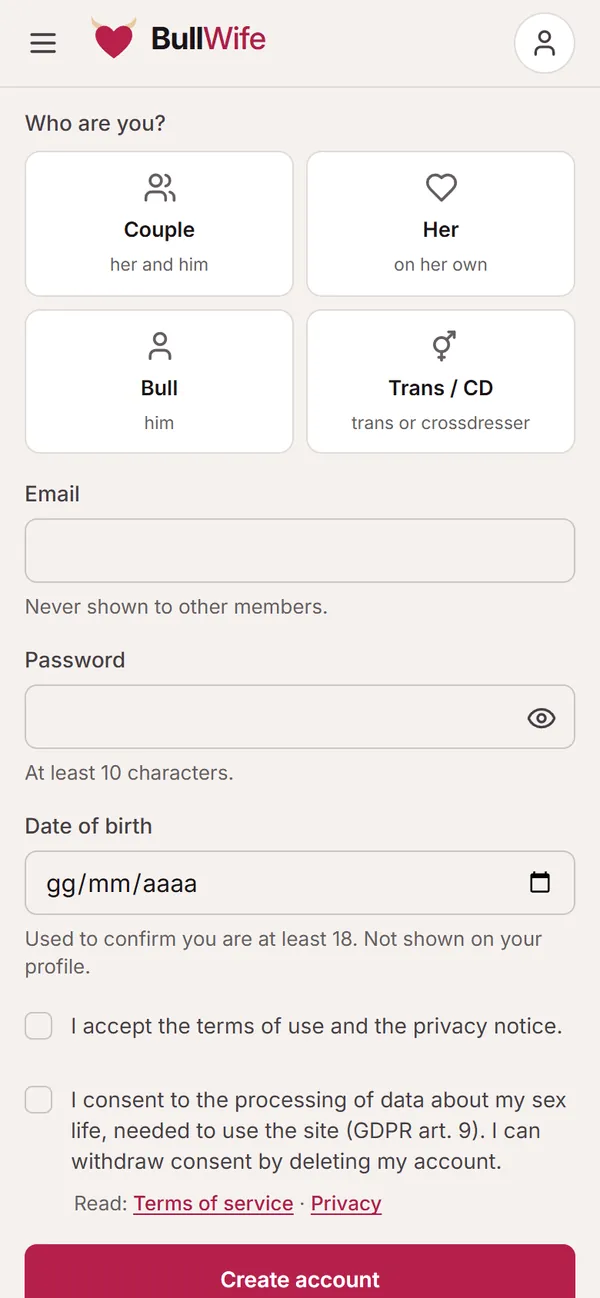
On BullWife everyone should feel safe. If someone makes you uncomfortable you have two instant tools, Block and Report, and plenty of settings to protect your discretion.
Updated on November 1, 2026 2 min read
Almost every encounter on BullWife goes well. But if someone keeps pushing, is rude, sends you content you don't want or looks like a fake profile, you can act in a moment. Here's how.
Blocking a profile
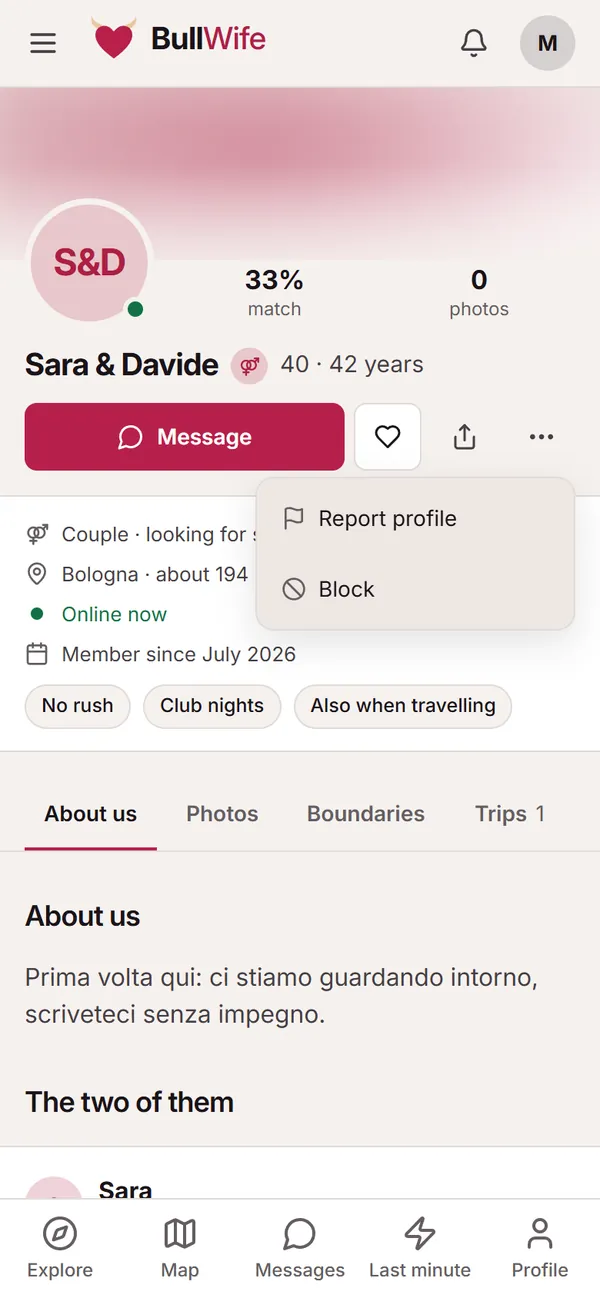
On the person's profile, tap the ⋯ menu next to Message and choose Block. From then on:
- you no longer see their profile, and they no longer see yours;
- they can't message you or send you requests;
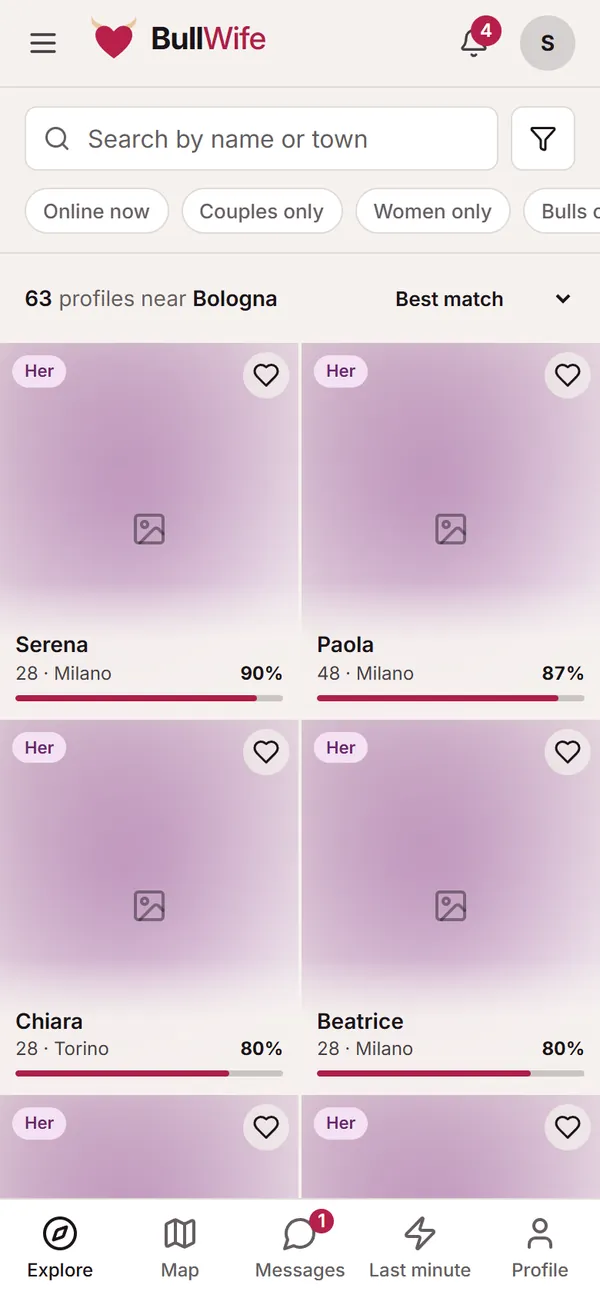
- they no longer appear in Explore, on the Map or in Last minute.
The person you block doesn't get any notice.
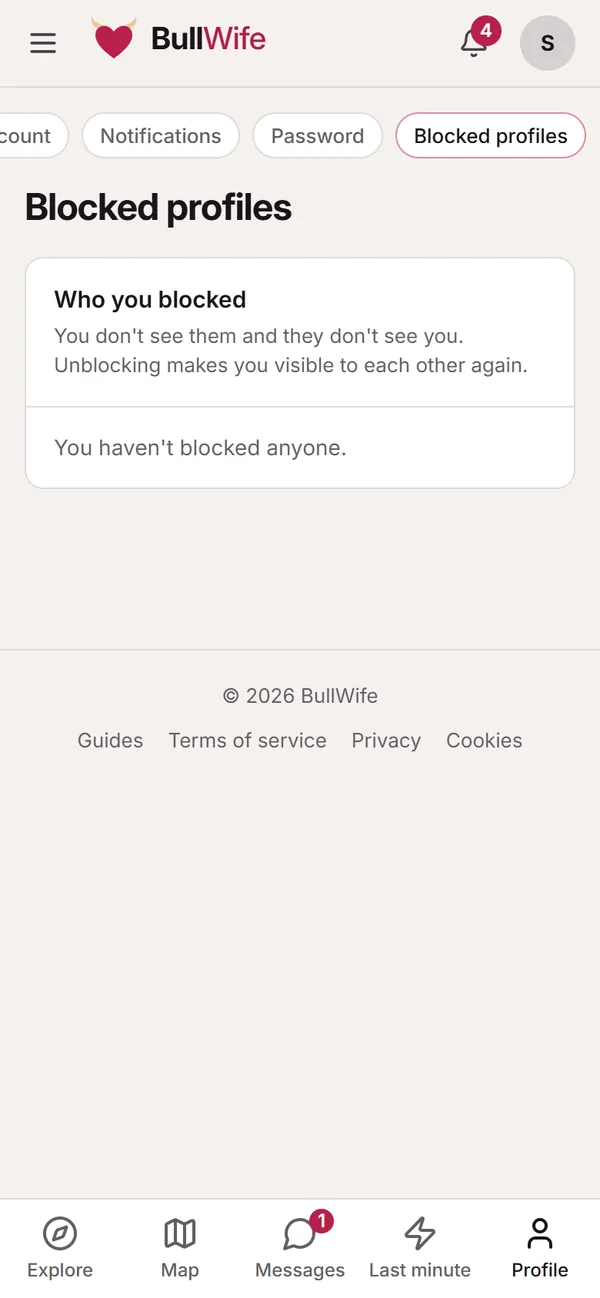
Unblocking
All your blocks are in the Blocked profiles list, in your avatar menu. Once you unblock someone, you can both see each other again.
Reporting
Report is in the profile menu, in the chat's ⋮ menu and next to photos, ads, stories, comments and reviews. Choose the reason and, if you like, add a few lines: the moderators read every report.
Don't hesitate to report:
- requests for money, top-ups or gifts;
- profiles using other people's photos or pretending to be someone else;
- content or references involving minors;
- threats, blackmail, insults or pressure after a no;
- photos received in chat and then shared without consent.
The person you report doesn't know who reported them. Depending on how serious it is, the moderators hide the content, send a warning, suspend or close the account; in serious cases they work with the authorities.
Settings that protect your privacy
- Approximate location. Others only see your town and a rough distance; on the Map, an area of about 1 km, never your exact spot.
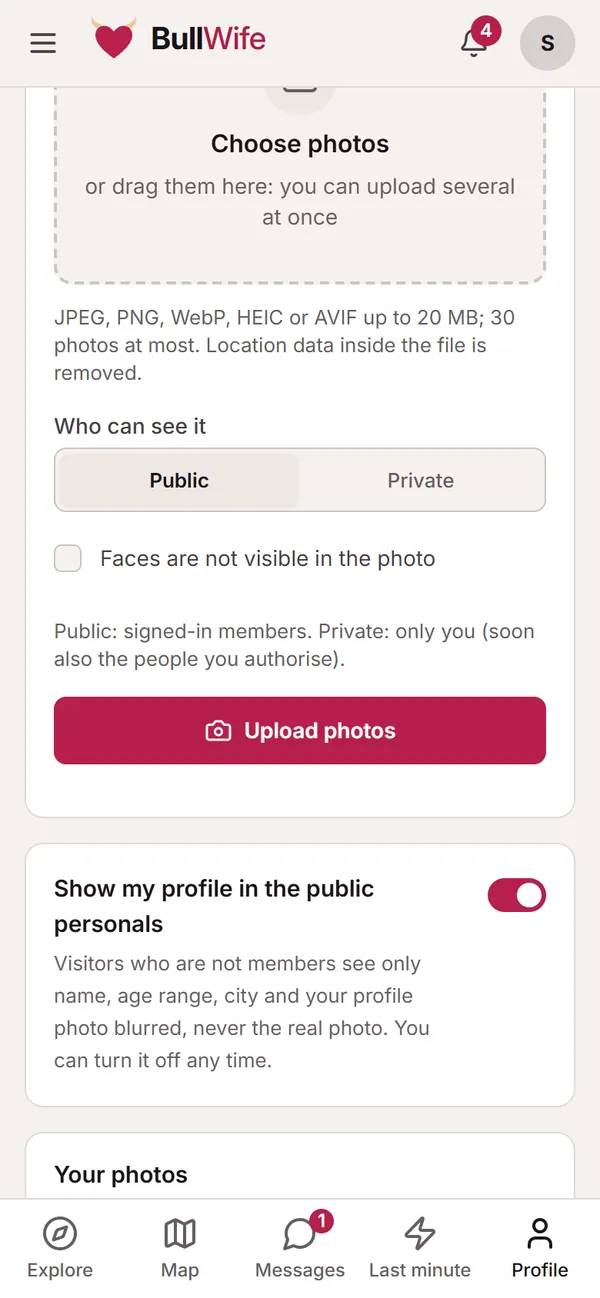
- Private photos and hidden faces. Your most personal photos stay private, and you can mark photos where your face isn't visible. See the guide to profile photos.
- View-once photos in chat, which disappear after they're first opened.
- Discreet notifications: only a neutral text on the lock screen (see notifications).
- Ads showcase: you can remove your profile from the public ads with a switch.
- Your email is never shown, and messages only arrive as requests you choose to accept.
Before you meet
Common sense always applies: chat without rushing, have a video call, meet in a public place the first time, tell someone you trust, and remember that consent can be withdrawn at any moment. You'll find all the advice on the Safety page and the rules in the community guidelines.
Screenshots show sample profiles, not real members.